

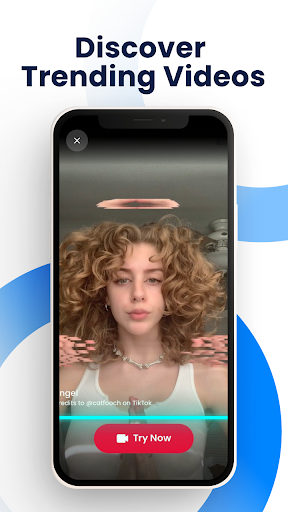
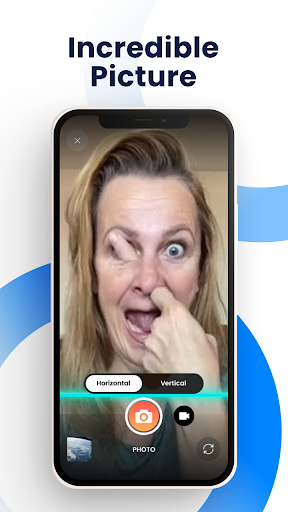
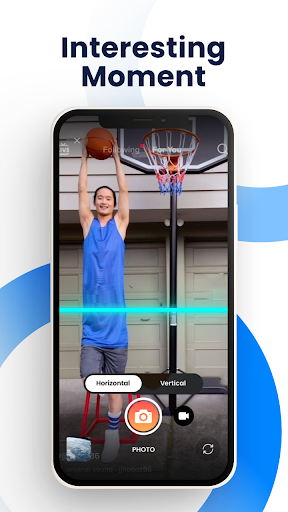
Time Warp Scan – Face Scanner is a photography app that enables users to create distinctive videos and pictures featuring the Time Warp Scan effect. This effect applies a visual distortion as a blue line passes across the screen, allowing for the creation of unique faces, funny looks, and interesting photos. Users can capture both images and videos with this filter, which is designed to introduce humorous transformations to subjects by freezing parts of the image as the scan line moves.
Applying the Time Warp Scan Effect
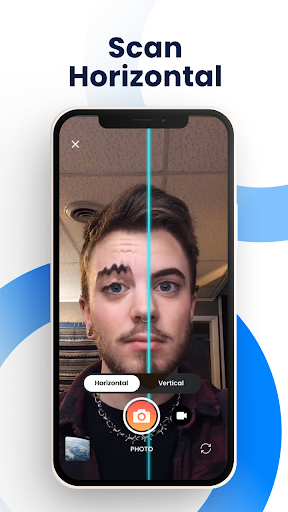
The app’s primary function is to apply the Time Warp Scan effect to your photos and videos. This involves a visual blue line that scans across the image. As this line progresses, the app distorts the parts of the image it has already passed, while the parts it has yet to reach remain unchanged until the line crosses them. This mechanism allows for dynamic face and body transformations simply by moving the subject as the scan bar slides over.
Customizing the Scan
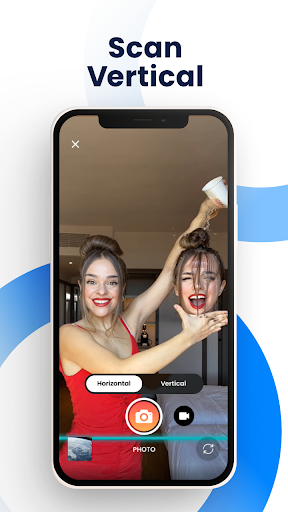
Users have control over how the Time Warp Scan effect is applied. A key feature allows you to adjust the direction of the blue line, choosing whether it runs vertically or horizontally across the screen. This direction can be selected by swiping right or down. Additionally, the app provides the ability to adjust the speed of the blue line, giving users more control over the timing and extent of the distortion.
Creative Distortions and Output
Beyond basic face warping, the app supports slit scan effects which can be used to give bodies and objects more special shapes. For example, users can manipulate their appearance to change the shape of their head, lengthen their fingers, or seemingly cut their hair short through strategic movement during the scan. The app also includes support for changing brightness. Once created, both the distorted pictures and videos can be saved directly from the app.
Sharing Your Creations
After capturing and saving photos or videos with the Time Warp Scan effect, the app facilitates sharing these creations. Users can share their Time Warp Scan content with friends and contacts directly through various social media and messaging platforms, including TikTok, Snapchat, Facebook, Facebook Messenger, WhatsApp, Instagram, and Likee.









Write a review